
10 User Experience Design Best Practices That Drive ROI in 2026
Discover 10 actionable user experience design best practices for marketing leaders. Learn to boost conversions and ROI with real-world examples and data.

For marketing leaders and business owners, a superior user experience isn't a design-team luxury—it's a direct driver of revenue and a crucial competitive advantage. Mastering UX principles is the difference between a high-converting growth engine and a leaky sales funnel that wastes ad spend. Generic advice is insufficient; you need proven, data-backed strategies that directly impact your bottom line, reduce customer acquisition costs (CAC), and increase lifetime value (LTV).
This article moves past abstract theory to deliver a definitive roundup of 10 actionable user experience design best practices. It’s specifically structured for SaaS, e-commerce, and B2B leaders who demand measurable results. Each point is broken down into precise implementation steps, common pitfalls to avoid, and clear metrics to track, empowering you to make design decisions that translate directly to business outcomes.
You won't find vague suggestions here. Instead, you'll get a clear roadmap for everything from implementing user-centric design through data analytics to optimizing conversion rates with iterative testing. We'll explore how companies like Stripe and HubSpot build intuitive experiences and how you can apply those same principles. For an even deeper look at optimizing specific site elements, you can explore strategies on how to improve user experience beyond the basics, which covers speed, accessibility, and navigation in greater detail.
Whether you're refining a checkout flow to reduce cart abandonment or optimizing a B2B lead generation form, the following practices will help you build digital products that not only delight users but deliver tangible ROI. Let's dive into the tactics that build better products and stronger businesses.
1. User-Centric Design Through Data Analytics and Behavior Tracking
The most effective user experience design best practices are rooted in evidence, not assumptions. By integrating data analytics and user behavior tracking into your design process, you replace guesswork with a clear understanding of how users interact with your product. This method involves collecting and analyzing quantitative data—such as clicks, session recordings, and drop-off points—to make informed decisions that improve user satisfaction and drive business goals.
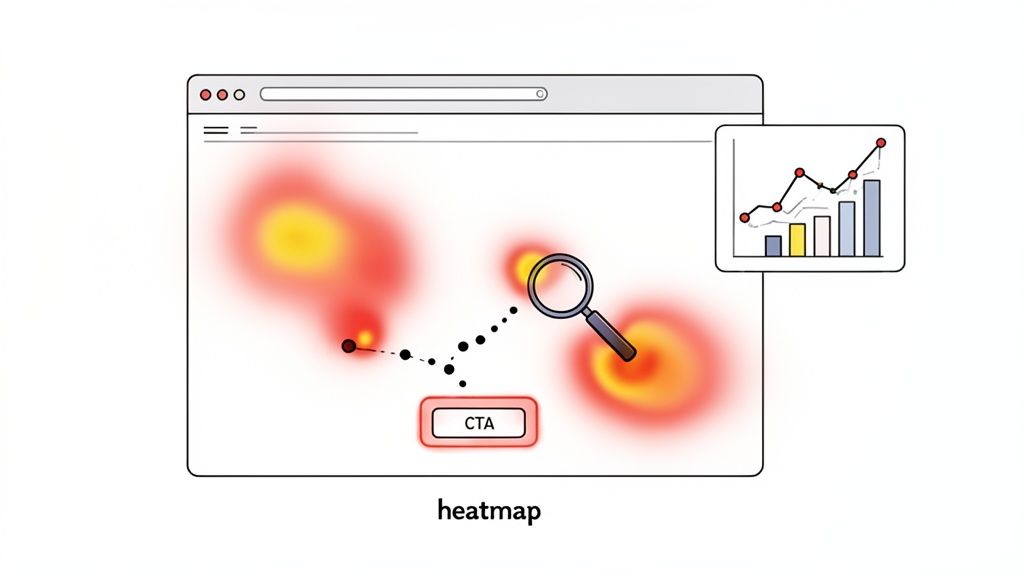
This approach is foundational for creating landing pages and product interfaces that convert. By analyzing user behavior, you can identify friction in critical flows—like checkout or signup—and implement targeted changes that produce measurable improvements in conversion rates. To genuinely implement user-centric design, embracing data-driven design is essential for transforming insights into tangible product improvements.
Real-World Examples
- SaaS: HubSpot’s dashboard redesign was informed by tracking user paths to see which features were used most frequently. This data allowed them to prioritize the most valuable tools, resulting in higher user engagement and retention.
- E-commerce: Logitech increased conversions by 23% after using heatmaps to analyze its e-commerce site. The data showed that a key call-to-action button was being overlooked, and repositioning it based on user activity led directly to a sales uplift.
- B2B: Stripe continuously optimizes its checkout flow by analyzing user drop-off points in its forms. This analysis led them to reduce the number of fields and simplify the process, which decreased cart abandonment and boosted transaction completions.
Actionable Implementation Steps
To put this into practice, start by establishing clear key performance indicators (KPIs) before implementing tracking. Define success: is it a higher conversion rate, lower bounce rate, or increased time-on-page? Use heatmaps and session recordings to visualize friction points in critical user journeys. It's crucial to combine quantitative data (clicks, scroll depth) with qualitative feedback from user interviews to understand the "why" behind the numbers. Finally, always establish baseline metrics before making design changes so you can accurately measure the impact of your work.
2. Conversion Rate Optimization (CRO) Through Iterative Testing
Effective user experience design isn't a one-time project; it’s a continuous cycle of improvement. Conversion Rate Optimization (CRO) embodies this principle by using a systematic, data-backed approach to increase the percentage of users who complete a desired action. This practice involves making incremental changes to elements like headlines, call-to-action (CTA) buttons, and form fields, then rigorously testing them to measure their impact on user behavior and key business metrics.
This iterative testing model is how businesses drive sustainable growth. Instead of relying on assumptions, CRO provides empirical evidence about what works for your audience. For businesses looking to maximize their return on ad spend, a dedicated conversion rate optimization service connects ad performance directly to on-site user experience, ensuring that every click has the highest possible chance of converting into a valuable action.
Real-World Examples
- E-commerce: An online retailer increased its checkout completion rate by 12% simply by testing and reducing the number of form fields from eight to four. The streamlined process reduced friction and user effort, leading directly to more completed sales.
- SaaS: A software company improved its free trial signups by 34% after testing a new CTA. They changed the button color for better visibility and updated the microcopy from "Start Now" to "Start My Free Trial," which provided more clarity and reduced hesitation.
- B2B: A lead generation form saw a 28% lift in submissions after adding a small section of social proof with client logos just above the submit button. This simple addition built trust and credibility at the most critical point in the user journey.
Actionable Implementation Steps
Begin by prioritizing your tests using a framework like ICE (Impact, Confidence, Ease) to focus on changes with the highest potential return. It is critical to test only one primary element per experiment to isolate the variable and understand exactly what caused the change in performance. Plan your tests to run long enough to achieve statistical significance, which typically requires at least 100 conversions per variant. Finally, create a testing roadmap aligned with business goals and document all results to build an internal library of what resonates with your audience.
3. Mobile-First and Responsive Design Architecture
A mobile-first strategy dictates that design should begin on the smallest screen and progressively scale up to larger devices. This approach prioritizes the essential content and functionality for mobile users, acknowledging their unique contexts, constraints, and behaviors. Given that mobile traffic often drives the majority of conversions for marketing campaigns, optimizing for these users is not an option—it is a core requirement for growth.
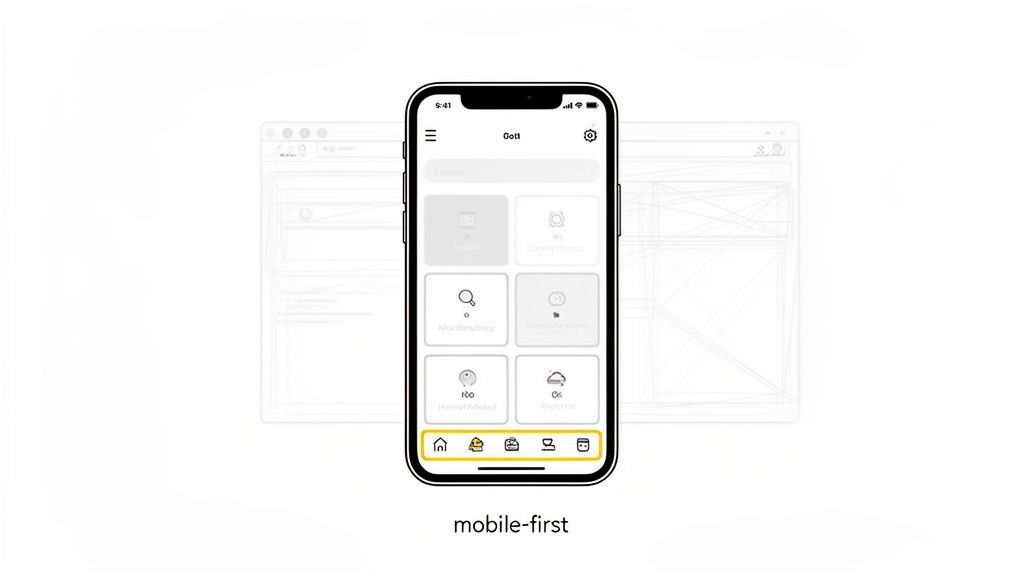
For marketing leaders, this practice directly impacts ROI by ensuring landing pages and checkout flows are frictionless for the largest audience segment. At Ezca, our mobile-first approach to CRO focuses on reducing load times and simplifying user journeys to capture conversions that would otherwise be lost to poor performance. This is a fundamental aspect of modern user experience design best practices that directly ties to bottom-line results.
Real-World Examples
- SaaS: HubSpot’s mobile CRM interface prioritizes the most critical sales and marketing actions, like logging calls or checking deal statuses. Advanced features are accessible but intentionally de-emphasized to maintain a clean, focused user experience on smaller screens.
- E-commerce: Logitech adopted a mobile-first design for its product pages and saw a 52% increase in its mobile conversion rate. This was achieved by optimizing touch targets, simplifying navigation, and ensuring fast page loads on mobile networks.
- B2B: Stripe’s mobile payment flow is a benchmark for simplicity. It's designed for one-handed use with minimal form fields and integrated mobile payment options, which reduces friction and significantly increases successful transactions on mobile devices.
Actionable Implementation Steps
To implement this effectively, begin by designing for the most constrained environment first: a small smartphone. Prioritize content ruthlessly, asking what is absolutely essential for a user to complete their primary goal. Ensure all touch targets, like buttons and links, are at least 48x48 pixels to prevent mis-taps. Optimize performance by compressing images and lazy-loading content that appears below the fold. Finally, test on actual physical devices, not just browser emulators, to catch real-world usability issues.
4. Accessibility Design (WCAG Compliance and Inclusive UX)
An often-overlooked yet critical aspect of user experience design best practices is creating digital products that are usable by everyone, including people with disabilities. Accessibility design, guided by standards like the Web Content Accessibility Guidelines (WCAG), ensures your website or application is navigable and understandable for all users. This approach not only expands your addressable market and mitigates legal risks but also improves the overall experience for every user by promoting clear, logical design.
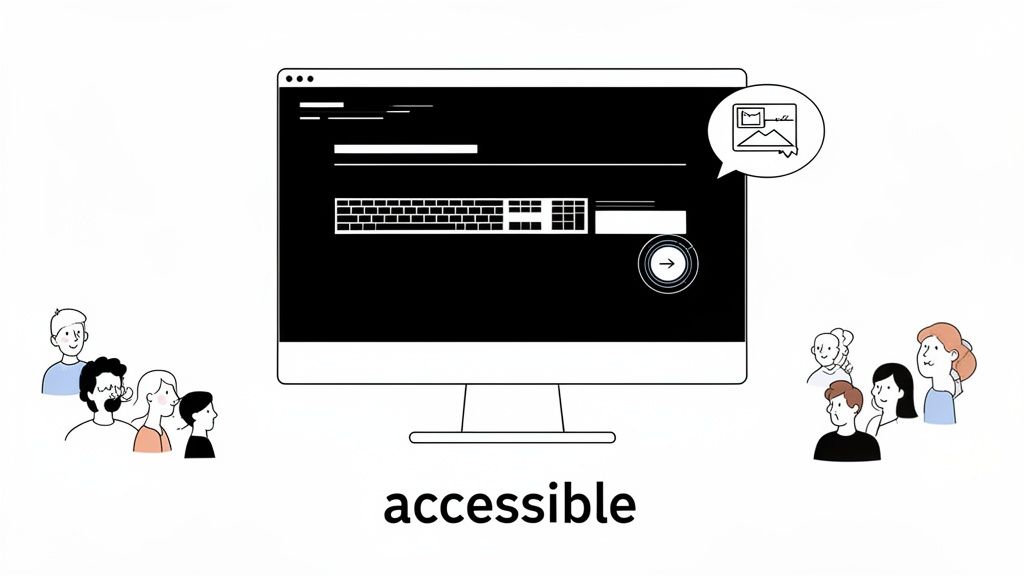
For B2B and SaaS companies, accessibility isn't just a best practice; it's a business necessity. Many enterprise and government contracts now mandate WCAG compliance, making it a prerequisite for closing major deals. Agencies like Ezca recognize that accessible design drives growth, ensuring that marketing funnels and product interfaces don't exclude a significant portion of potential customers, thereby maximizing reach and ROI.
Real-World Examples
- SaaS: HubSpot achieved WCAG 2.1 AA compliance for its product, a move that helped it secure contracts with larger, compliance-conscious enterprise clients and government agencies, significantly expanding its B2B customer base.
- E-commerce: Retailers that add descriptive alt text to product images not only assist visually impaired shoppers but also improve their SEO. Search engines use this text to understand image content, leading to better search visibility and organic traffic.
- B2B: Stripe’s commitment to keyboard navigation and screen reader support is critical for its enterprise customers. This allows employees with disabilities to manage payments and financial operations efficiently, making Stripe a more viable option for large organizations.
Actionable Implementation Steps
To begin integrating accessibility, start with foundational elements. Use semantic HTML (headings, lists, nav tags) to give your content a logical structure that screen readers can easily interpret. Ensure color is not the only means of conveying information; use icons, text, and patterns to support visual cues. Provide clear, descriptive text for links instead of generic phrases like "click here." Most importantly, test your product with actual users of assistive technologies and use tools like the WebAIM WAVE browser extension to identify and fix compliance issues.
5. Rapid Prototyping and Lean Design Validation
One of the most effective user experience design best practices is to validate ideas before committing significant development resources. Rapid prototyping and lean design validation involve creating low-fidelity mockups and interactive models to test design concepts with real users. This approach replaces assumptions with direct feedback, reducing the risk of building features that customers don't want and ensuring the final product aligns with user needs from the very beginning.
For fast-moving companies, this methodology is critical for saving time and money. Instead of waiting months for a finished product, you can gather actionable insights within days, making agile adjustments that lead to higher adoption rates and better ROI. At Ezca, we use rapid prototyping to test conversion funnels and user flows for our clients, ensuring that every design choice is validated before a single line of code is written. This lean approach, popularized by frameworks like the Google Design Sprint, is essential for de-risking innovation.
Real-World Examples
- SaaS: A project management SaaS company prototyped three different onboarding flows using Figma. After testing them with 15 new users, they identified the highest-performing variant, which improved user activation by 18% in the first month post-launch.
- E-commerce: Facing a major redesign, a fashion retailer built an interactive mobile prototype in just three days. User testing revealed critical flaws in the proposed navigation, and the feedback saved an estimated six weeks of development rework.
- B2B: A lead generation company iterated on its inquiry form five times using rapid prototypes. By testing different field orders and labels, they found a combination that increased form completion rates by 31%, directly boosting their sales pipeline.
Actionable Implementation Steps
To implement this, start by identifying the most critical user flow or riskiest assumption in your design. Use tools like Figma, Adobe XD, or Framer to build a low-fidelity, interactive prototype focused solely on that journey. Recruit a small group of target users (5-8 is often enough) and conduct moderated or unmoderated tests using platforms like UserTesting or Maze to gather feedback quickly. It's vital to create a tight feedback loop; test, learn, and iterate on the prototype within your sprint schedule. Establishing a design system with reusable components will dramatically speed up this process, allowing your team to test more ideas faster.
6. Clear Information Architecture and Intuitive Navigation
A product's structure is its foundation. Clear information architecture (IA) and intuitive navigation organize content logically, allowing users to find what they need without friction. This practice involves creating a well-defined hierarchy and consistent navigation patterns that align with user expectations, directly supporting discovery, engagement, and conversions. A user who can't find something effectively doesn't exist to your business.
For marketing leaders, a strong IA is a competitive advantage. It ensures that high-value pages, like pricing or demo requests, are easily accessible, which shortens the sales cycle. A solid IA also provides a clear site structure for search engines, which is a key factor to increase organic traffic. This is a core component of effective user experience design best practices because it builds a reliable and predictable user journey.
Real-World Examples
- SaaS: HubSpot organizes its product navigation around user roles and jobs-to-be-done (e.g., Marketing, Sales, Service). This role-based IA reduces cognitive load and shortens onboarding time for new teams.
- E-commerce: A major online retailer reorganized its product categories after user research showed customers were struggling to find items. The new, user-validated structure improved product discovery by 43%.
- B2B: After data showed low traffic, a B2B SaaS company moved its "Pricing" link from the footer to the main navigation. This simple change increased clicks to the pricing page by 52%, driving more qualified leads.
Actionable Implementation Steps
Start by conducting card sorting exercises with your target users to understand their mental models and build a taxonomy that makes sense to them. Limit your main navigation menu to 5-7 items to avoid overwhelming users. Use clear, descriptive labels for links instead of vague terms; for instance, "Request a Demo" is better than "Learn More." For sites with extensive content, implement a robust search function with filters and autocomplete. Finally, test your proposed architecture using tree testing tools to validate that users can find key information before you commit to development resources.
7. Consistent Design Systems and Component Libraries
A design system is the single source of truth that groups all the elements enabling teams to design, realize, and develop a product. By creating a standardized library of reusable components and clear guidelines, you ensure consistency, boost efficiency, and improve scalability across all digital touchpoints. This systematic approach is one of the most impactful user experience design best practices for maintaining brand integrity and accelerating development cycles.
For marketing teams and product managers, a robust design system eliminates inconsistencies that erode user trust and confuse the customer journey. Instead of reinventing the wheel for each new page or feature, teams can assemble high-quality, on-brand interfaces quickly. At Ezca, we develop component libraries for client projects to rapidly build and test high-fidelity landing pages, ensuring every variant is perfectly aligned with the established brand and UX strategy.
Real-World Examples
- B2B: Stripe’s design system is a core asset that allows its product teams to rapidly prototype and launch new payment interfaces. The system’s consistency ensures a seamless and trustworthy experience for millions of businesses processing transactions globally.
- SaaS: HubSpot’s Canvas design system accelerated their product feature rollout by an estimated 40%. Its component library allows developers to quickly assemble new user interfaces without needing constant design oversight, significantly speeding up time-to-market.
- E-commerce: Logitech uses a centralized design system to maintain brand consistency across its diverse product marketing pages and e-commerce platform. This has improved design-to-development handoff efficiency and ensures a cohesive customer experience.
Actionable Implementation Steps
Begin by conducting an audit of your existing UI to identify and consolidate duplicate or inconsistent components. Document not just the visual specifications but also the why behind each component’s design and its intended use case. For each component, define its various states, such as default, hover, active, disabled, and error, to handle all possible user interactions. Establish clear governance with assigned owners responsible for maintaining and evolving the system. Use collaborative tools like Figma for design and Storybook for code to keep designers and developers perfectly in sync.
8. Performance Optimization and Core Web Vitals
A slow or unstable website is a direct barrier to user satisfaction and conversions. Performance optimization is no longer just a technical concern; it's a fundamental user experience design best practice. By focusing on Google's Core Web Vitals—Largest Contentful Paint (LCP), First Input Delay (FID, now Interaction to Next Paint or INP), and Cumulative Layout Shift (CLS)—you directly address how users perceive your site's speed, responsiveness, and stability. Fast, reliable performance reduces frustration, builds trust, and keeps users engaged.
For businesses aiming for high search engine rankings, performance is a critical factor. Optimizing these metrics not only improves the user experience but also positively impacts SEO, as Google prioritizes fast and stable sites. A strong performance foundation is essential for any strategy aiming to increase organic traffic and maintain a competitive edge. It ensures that the traffic you acquire has a positive first impression, which is crucial for lead generation and sales.
Real-World Examples
- E-commerce: An online retailer optimized its product images using the WebP format and lazy loading, reducing its LCP by 2.5 seconds. This single change resulted in an 18% increase in its conversion rate as customers could see and interact with products much faster.
- SaaS: A dashboard application improved its FID to consistently below 100ms by optimizing its JavaScript execution. The improved responsiveness led to a 22% reduction in user-reported errors, as the interface reacted instantly to clicks and inputs without lag.
- B2B: A B2B technology company implemented a Content Delivery Network (CDN) and browser caching, which cut its average page load time from 4 seconds to just 1.2 seconds. This speed improvement contributed to a 34% increase in lead form submissions from its target audience.
Actionable Implementation Steps
Begin by running your site through Google's PageSpeed Insights to get a baseline score and a specific list of recommendations. Prioritize image optimization, as it often provides the biggest performance gains; compress images, use modern formats like WebP, and implement lazy loading for content that appears below the fold. Minimize render-blocking resources by deferring non-critical CSS and JavaScript. Use a CDN to serve assets from locations closer to your users, reducing latency. Finally, monitor your Core Web Vitals in Google Search Console weekly to track progress and catch new performance issues before they impact your users.
9. Personalization and Contextual Content Delivery
Generic, one-size-fits-all experiences fail to connect with users. Personalization tailors the user journey based on individual characteristics, behaviors, and context, delivering relevant content that drives action. This approach moves beyond simple name insertions in emails to dynamic, AI-driven content recommendations and messaging adapted to traffic sources, past interactions, or expressed preferences.
Effective personalization makes users feel understood, increasing relevance and building brand affinity. For performance marketing, this translates directly to higher conversion rates and increased average order value. By delivering the right message to the right user at the right time, you create a more efficient path to purchase and reduce friction caused by irrelevant information. This is a core component of modern user experience design best practices because it aligns the interface directly with user intent.
Real-World Examples
- E-commerce: A fashion retailer shows different homepage products to new versus repeat customers. This simple segmentation led to a 22% conversion lift by showcasing introductory offers to new visitors and loyalty perks to returning ones. You can discover more about these strategies with AI-powered e-commerce personalization.
- SaaS: A project management tool shows an industry-specific landing page to visitors from different referral sources (e.g., a "For Agencies" page for traffic from a marketing blog). This contextual messaging resulted in a 31% increase in demo requests.
- B2B: A cybersecurity firm implemented account-based marketing (ABM) personalization on its website. When employees from a target account visited, the site displayed their company logo and relevant case studies, which helped improve its sales conversion rate by 4.7x.
Actionable Implementation Steps
Start simple by segmenting users based on easily accessible data like traffic source, device, or geography. Use first-party data from your CRM or on-site behavior to build more detailed user profiles without relying on third-party cookies. It's critical to test personalization variants against a control group to confirm that your segments are meaningfully different and that the changes produce a positive impact. Combine this on-site strategy with dynamic creative in your paid advertising campaigns to ensure a unified and consistent message from the first ad click to the final conversion.
10. User Testing, Continuous Feedback Loops, and Microcopy Optimization
Quantitative data tells you what users are doing, but qualitative feedback reveals why. This practice pairs direct user testing and continuous feedback with the surgical precision of microcopy optimization. It involves observing real users interact with your product through moderated tests, surveys, and session recordings to uncover their motivations and pain points. These insights then inform small but powerful changes to text on buttons, forms, and error messages to build clarity and trust.
This dual approach is critical for optimizing conversion funnels where user confidence is paramount. For marketing leaders, this process uncovers hidden friction that analytics alone can miss. By understanding user psychology at key decision points, you can implement microcopy changes that directly address hesitation, clarify value, and guide users toward conversion. Optimizing these small details is a core component of effective user experience design best practices.
Real-World Examples
- SaaS: A project management tool found through user testing that users were confused by their pricing tiers. After clarifying the feature descriptions and changing the primary call-to-action from "Sign Up" to "Start Your Free 14-Day Trial," they saw a 41% increase in trial signups.
- E-commerce: A fashion retailer noticed high cart abandonment at the shipping information step. User tests revealed that strict form field validation was frustrating users. Easing the validation rules and adding helpful error messages reduced checkout friction and increased completed orders.
- B2B: By analyzing user session recordings, a B2B software company saw prospects hesitate before submitting a long contact form. They changed the button text from a generic "Submit" to a specific "Request a Demo," which increased form completion rates by 23% by clarifying the outcome.
Actionable Implementation Steps
Start by recruiting a diverse group of 5-8 participants per testing round to uncover the majority of usability issues. Use unmoderated testing platforms like Maze or UserTesting for rapid feedback on prototypes and live features. During tests, ask open-ended "why" questions to dig deeper than surface-level answers. Record and share key video clips of users struggling with stakeholders to build alignment and create urgency. For microcopy, focus on high-anxiety moments like checkout or data entry, adding reassuring text about security or privacy. Always use strong, action-oriented verbs on buttons to set clear expectations for the user.
10-Point UX Best Practices Comparison
Turning UX Insights into Measurable Growth
The journey through these user experience design best practices reveals a fundamental truth: exceptional UX is not a final destination but a continuous process. It’s a strategic commitment to understanding, adapting to, and anticipating user needs. We've moved beyond abstract concepts and delved into the specific mechanics of what makes a digital product successful, from using data analytics to inform user-centric design to building intuitive navigation that guides users effortlessly toward their goals.
The practices detailed here, such as implementing mobile-first architecture, building consistent design systems, and prioritizing performance through Core Web Vitals, are not isolated tasks on a checklist. They are interconnected pillars that support a single, powerful objective: creating a seamless, valuable, and memorable experience for every user. For SaaS founders, this means higher activation rates and lower churn. For e-commerce leaders, it translates directly to increased average order value and customer lifetime value. For B2B marketing directors, it builds the trust and authority needed to convert high-value leads.
From Principles to Performance
The real challenge lies in translating these principles into sustained, measurable performance. Adopting these user experience design best practices requires a shift in mindset, from project-based thinking to a culture of continuous improvement. This means embedding iterative testing, accessibility standards, and rapid prototyping into the very fabric of your product development and marketing cycles.
Your most important takeaways should be:
- Data Over Assumptions: Every design choice, from microcopy to information architecture, should be validated with qualitative and quantitative data.
- Speed and Accessibility are Non-Negotiable: A slow, clunky, or exclusionary experience will actively drive away potential customers, no matter how great your product is.
- Consistency Breeds Trust: A coherent design system creates a predictable and reliable experience that makes users feel confident and in control.
- Feedback is Fuel: Creating tight, continuous feedback loops with real users is the single most effective way to identify friction points and uncover growth opportunities.
Your Actionable Path Forward
Moving forward, the goal is to build an operational framework that makes executing these best practices a repeatable, scalable process. Start small. Pick one high-impact area, perhaps CRO through A/B testing a key landing page or optimizing your mobile checkout flow, and commit to a 90-day sprint. Define clear success metrics, execute with discipline, and analyze the results. Use that momentum to tackle the next challenge.
Ultimately, mastering user experience is about more than just aesthetics or usability. It is about building a powerful engine for business growth. When you systematically remove friction, clarify value, and respond to user needs, you create a competitive advantage that is difficult to replicate. This is how brands like Logitech and HubSpot dominate their markets, by relentlessly optimizing the user journey until it becomes their most effective sales and retention tool.
Ready to turn these user experience design best practices into a concrete growth strategy? At Ezca Agency, we specialize in implementing data-driven, 90-day sprints that integrate CRO, performance marketing, and UX optimization to deliver measurable ROI. Talk to our team to see how we build high-performance marketing systems for leading SaaS, B2B, and e-commerce brands.